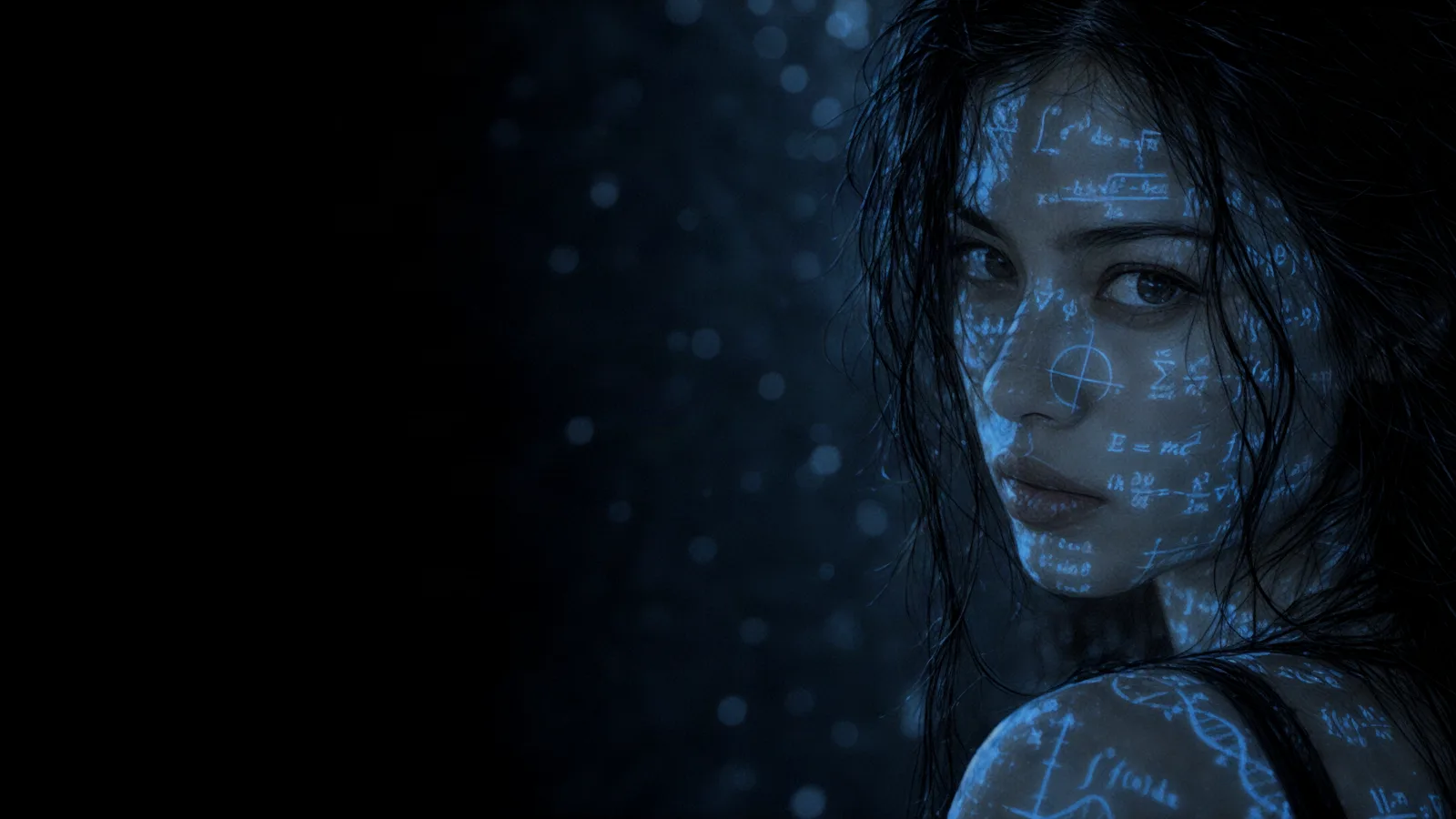
Grok Imagine Alternatives: 5 Best AI Video Models in 2026
Grok Imagine 1.5 is quick and flexible, but it isn't right for every shot. Five alternatives worth trying in 2026: Veo 3.1, Kling 3.0, Seedance 2.5, MiniMax H3 and Runway.
Grok Imagine 1.5 is quick and flexible, but it isn't right for every shot. Five alternatives worth trying in 2026: Veo 3.1, Kling 3.0, Seedance 2.5, MiniMax H3 and Runway.
Grok Imagine 1.5 is quick and flexible, but it isn't right for every shot. Five alternatives worth trying in 2026: Veo 3.1, Kling 3.0, Seedance 2.5, MiniMax H3 and Runway.
Grok Imagine 1.5 is a quick, flexible video model. In Automatica it creates clips of 1 to 15 seconds at up to 1080p from a text prompt, animates stills through Grok Imagine 1.5 Image-to-Video and can build a video from up to 7 reference images. It's a strong default for fast iterations, but some shots need 4K, longer takes, native audio controls or a different style of motion.
Here are five Grok Imagine alternatives worth trying in 2026, what each one does well and how to choose between them.
Google's Veo 3.1 creates higher-quality text-to-video clips with native audio and 4K support. It's the pick for client-facing work where polish matters more than turnaround.
Length: 4, 6 or 8 seconds
Resolution: 720p, 1080p or 4K, with 1080p as the default
Formats: 16:9 or 9:16
Audio: native, on by default
Veo 3.1 Fast offers the same formats with 4K support, and Veo 3.1 Lite creates lower-cost clips at up to 1080p. Each Veo model has a matching image-to-video companion, and all three accept a negative prompt for things you want to keep out of the shot.
Kling 3.0, listed in Automatica as Kling V3, creates text-to-video clips with native audio up to 15 seconds. It's a popular choice for expressive motion, and it gives you more control than most models, including a negative prompt and a CFG scale that sets how closely it follows your prompt.
Length: 3 to 15 seconds
Formats: 16:9, 9:16 or 1:1
Audio: native, off by default
Variants: V3 Pro for higher quality, V3 4K for 4K output, and V3 Turbo or Turbo Pro for fast 720p or 1080p clips
Kling O3, a recommended model in Automatica, adds an edit model and reference-guided video-to-video, which helps when you need to match the style or camera move of an existing clip.
ByteDance's Seedance 2.5 creates clips of 4 to 30 seconds with synchronised audio, the longest single generation in the Automatica catalogue. It suits product demos, dialogue scenes and any shot that needs to run without a cut.
Length: 4 to 30 seconds
Resolution: 480p or 720p
Formats: Auto, 21:9, 16:9, 4:3, 1:1, 3:4 or 9:16
References: up to 30 images and one reference video with Seedance 2.5 Reference
If you need 1080p, Seedance 2.0 Pro covers clips of 4 to 15 seconds at up to 1080p. The Seedance 2.5 guide covers both in detail.
MiniMax H3, the latest Hailuo model, is known for natural-looking motion from short prompts. It isn't available in Automatica. For a similar feel in one workspace, run the same prompt through Kling V3 Turbo and Seedance 2.0 Fast and compare the movement.
Runway pairs its Gen video models with a production toolkit, including inpainting, motion brushes and green screen tools, which suits teams that finish content in one place. Runway isn't available in Automatica either. The closest workflow here is to generate with any model above, then refine the clip with an edit model such as Kling O3 Edit or LTX 2.3 Retake.
LTX 2.5 Fast: text-to-video with native audio, clips of 6 to 20 seconds and resolutions from 720p up to 4K. It's the pick when you want long clips at high resolution.
Gemini Omni Flash: Google's video model with synchronised native audio, clips of 3 to 10 seconds and image-to-video, edit and reference companions. Gemini Omni Flash 1.1 adds a resolution setting from 360p up to 4K.
Model | Clip length | Top resolution | Best for |
|---|---|---|---|
Grok Imagine 1.5 | 1-15s | 1080p | Fast drafts in seven aspect ratios |
Veo 3.1 | 4, 6 or 8s | 4K | Polished shots with native audio |
Kling V3 | 3-15s | 4K with Kling V3 4K | Expressive motion and fine control |
Seedance 2.5 | 4-30s | 720p | Long takes with synchronised audio |
LTX 2.5 Fast | 6-20s | 4K | Long, high-resolution clips |
Gemini Omni Flash 1.1 | 3-10s | 4K | Short clips with native audio |
Fast iterations and unusual formats: stay on Grok Imagine 1.5.
Client-ready polish: Veo 3.1 at 1080p or 4K.
Motion and fine control: Kling V3 or Kling O3.
Long, continuous shots: Seedance 2.5.
Long clips at 4K: LTX 2.5 Fast.
The quickest test is to run one prompt through three models and keep the best take. In Automatica they all sit in the same model picker and use the same credits, so switching takes one click. If you're also replacing Sora, read what to use instead of Sora 2.
Does Grok Imagine 1.5 support text-to-video? Yes. In Automatica, Grok Imagine 1.5 Video creates clips from a text prompt, and Grok Imagine 1.5 Image-to-Video animates a still.
Which alternative makes the longest clips? Seedance 2.5, at up to 30 seconds in a single generation.
Which models output 4K? Veo 3.1 and Veo 3.1 Fast, Kling V3 4K and Kling O3 4K, LTX 2.3, LTX 2.3 Fast and LTX 2.5 Fast, and Gemini Omni Flash 1.1.
Can I try these alternatives in one place? Yes. Veo, Kling, Seedance, LTX and Gemini Omni Flash all sit alongside Grok Imagine 1.5 in Automatica. MiniMax and Runway are not available.
Explore every video model in Automatica or read how to get more from Grok Imagine 1.5.

Automatica
18 posts

October 3, 2026
3 min read
October 3, 2026
3 min read
October 3, 2026
3 min read
October 2, 2026
7 min read
September 30, 2026
3 min read

September 30, 2026
4 min read
Explore powerful AI models and generate high-quality visuals in seconds. Build, experiment, and bring your ideas to life.