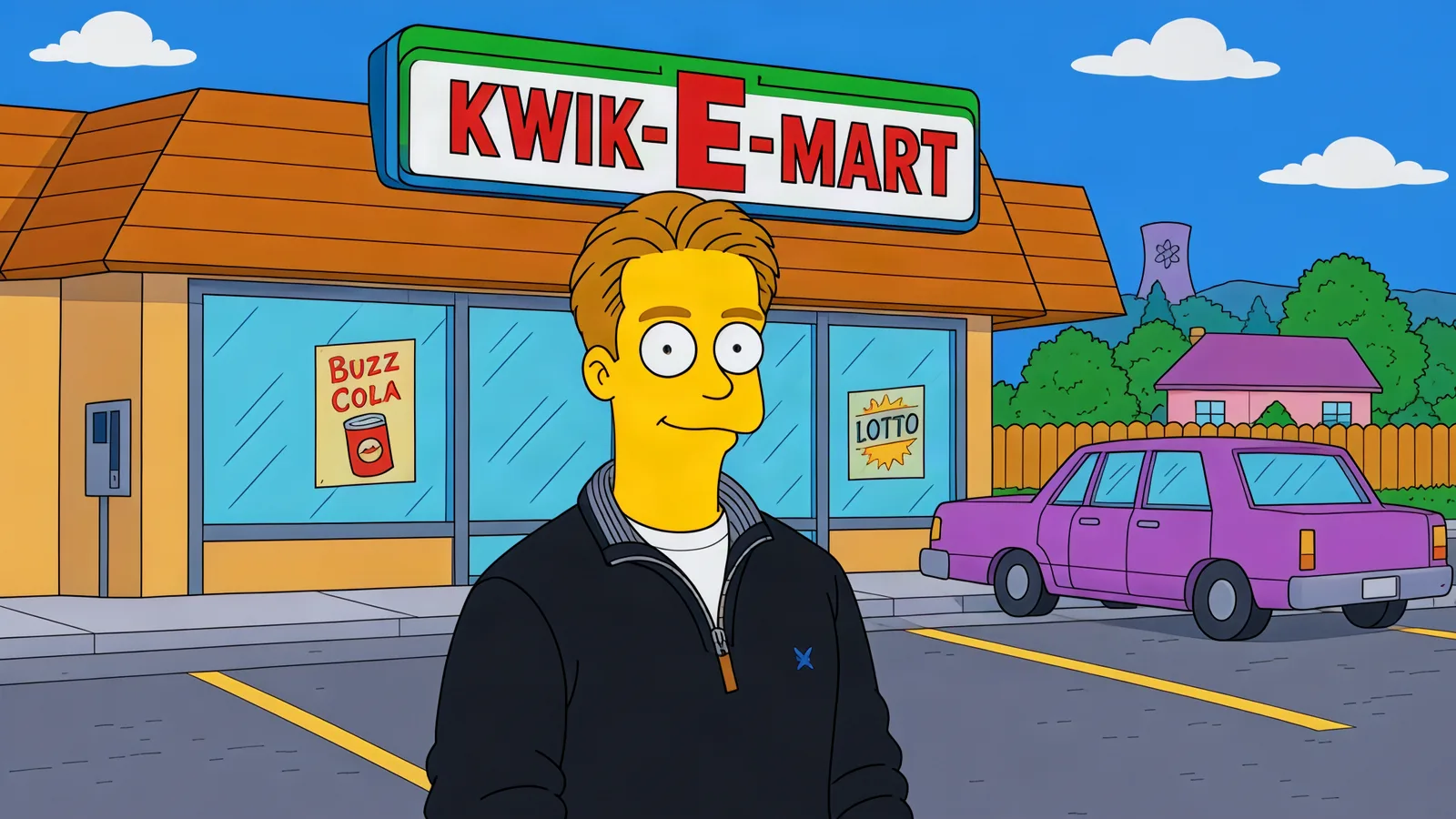
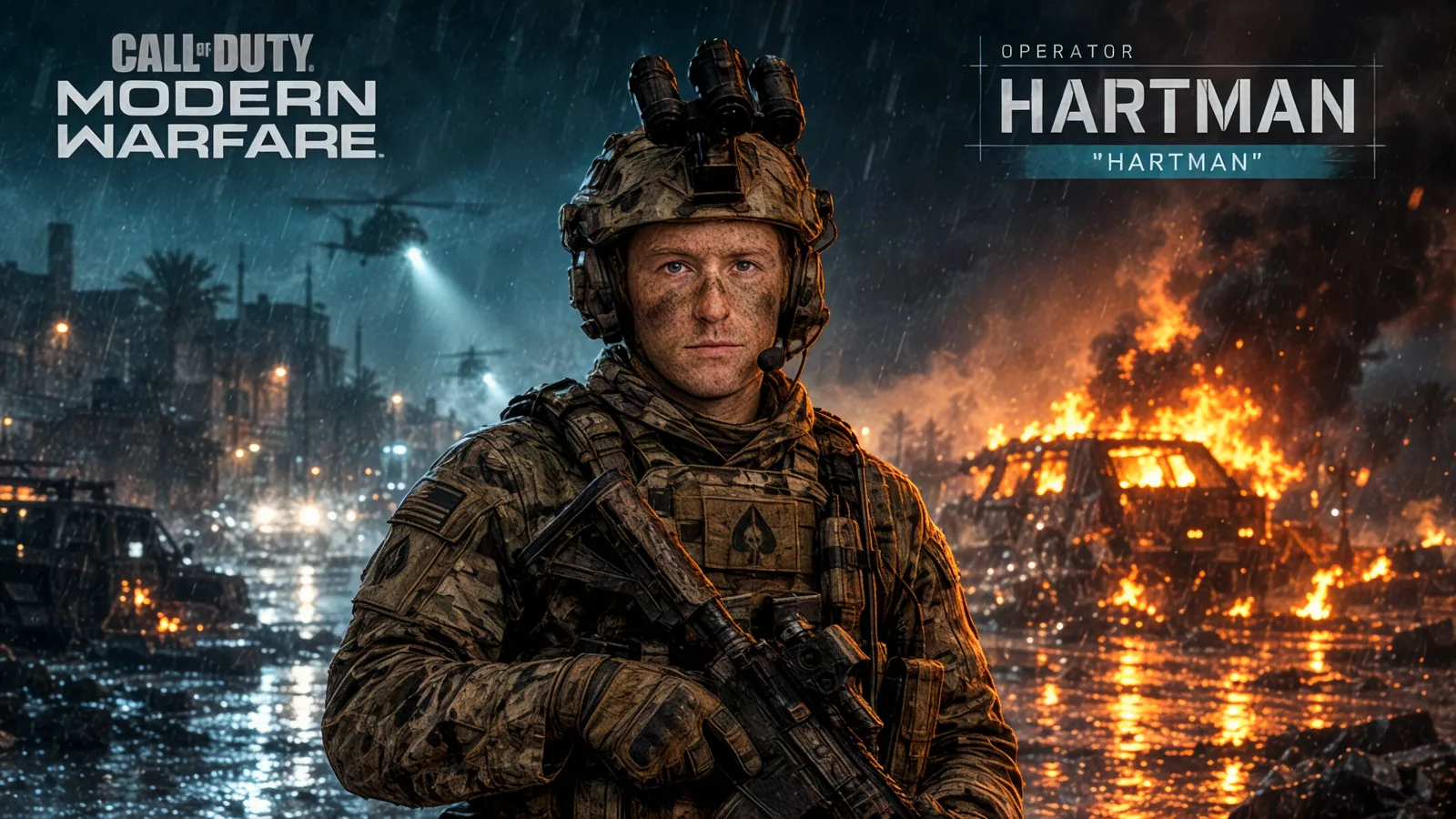
Kling 4.0 is entering early access, with a wider rollout expected in October 2026. Kling says Kling 4.0 Flash became available to Ultra Yearly subscribers on September 28; availability may vary by account. Here’s what the announcement means for creators—and what is not ready to assume yet. Read Kling’s official announcement.
The headline: longer, more directed video
The biggest creative change is native generation of videos up to 30 seconds in a single generation. Instead of treating every idea as a collection of disconnected short clips, creators can try longer actions and more continuous camera movement in one shot. That could make a scene easier to plan, though longer generation does not guarantee perfect continuity or a usable final take.
Kling also announces control with up to 10 keyframe images. These can guide important moments such as a character’s pose, expression or a scene transition. Think of keyframes as visual checkpoints: they help you describe where the video should go, while the model still fills in the motion between them.
More reference assets, more ways to steer
Kling 4.0’s Omni Reference feature is announced for combining as many as 15 assets in one generation: up to 10 images, 5 videos totaling up to 30 seconds, and 7 subjects. This is intended to help creators carry visual details into a new result. The exact controls and limits you can use will depend on the version available in your account.
The announcement also describes targeted video edits, including changes to expressions, movement, camera position and backgrounds, plus recreating the pacing or composition of a reference video with different subjects or products. These are useful promises to test carefully: inspect the whole clip after an edit, because a change to one element can still affect other details.
Image quality, sound and format
Kling says 10-bit HDR output at 4K and 1080p is coming soon, alongside 21:9 ultrawide support. Treat HDR as an upcoming capability rather than a guaranteed setting today. The announcement also highlights high-quality stereo audio and improved lip-sync, which may matter for dialogue-led scenes and ads.
Other announced updates include support for longer prompts, a wider range of visual styles and additional languages. These features may help express a more specific brief, but a detailed prompt is still not a substitute for checking the generated result.
What creators should test first
Start with one clear action. Try a simple subject, setting and movement before adding several scene changes.
Compare a short prompt with a structured brief. Keep the subject and action the same so you can judge whether extra detail improves control.
Test keyframes on a small sequence. Use a few distinct visual beats first; add more only if they improve the result.
Check reference handling. If the controls are available, see whether a reference actually preserves the subject, styling and scene details you care about.
Review sound and export settings separately. Confirm which audio, resolution and aspect-ratio options are available in your account before planning a final deliverable.
Should you switch to Kling 4.0?
Kling 4.0 looks most relevant if you want longer single-shot generations, more deliberate visual beats or a broader reference workflow. The practical answer will depend on access, speed, consistency and the quality of your own outputs—not just the feature list. Since the wider rollout is still ahead, treat the announcement as a preview and test the capabilities that are actually enabled for you.
For now, build a small test: generate the same scene with your current workflow and with any Kling 4.0 features available to you, then compare motion, subject consistency, sound and editability. Keep the clips that work, and add final titles or claims in an editor rather than relying on generated text to be exact.