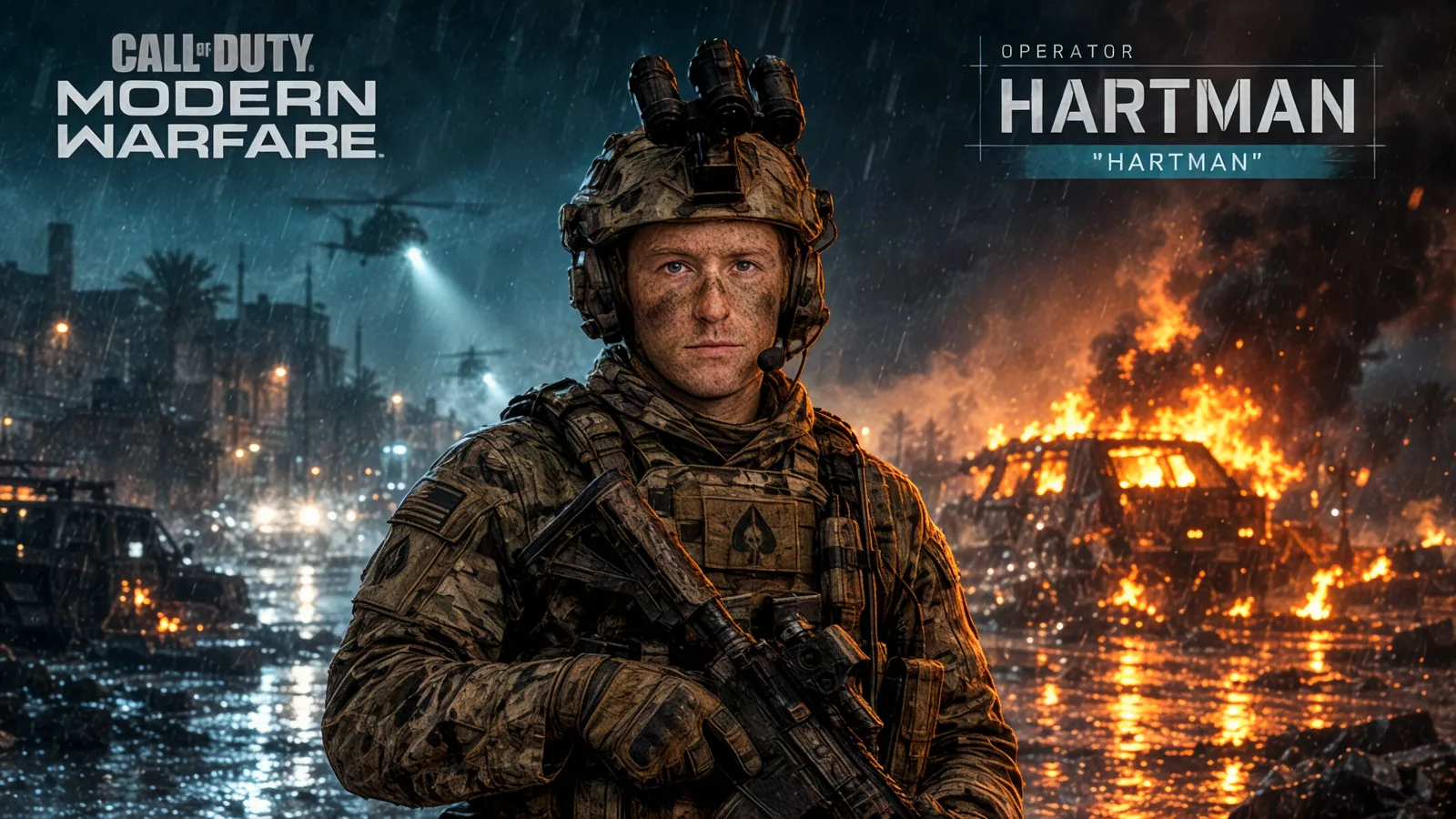
Call of Duty: Modern Warfare 4 lands on October 23 — twenty days from now — on PlayStation 5, Xbox Series X|S, PC and Nintendo Switch 2, per Activision and Infinity Ward. Every launch like this turns the internet into operators for a weekend: profile pics, squad posts, “new main.” This year you can skip the overlay apps and the cosplay. Upload one photo, and the Call of Duty Operator template on Automatica turns you into a tactical-gear operator with your callsign on the nameplate.
What the template creates
A loading-screen style portrait: your face rendered as an operator in full tactical gear, the framing and nameplate treatment Call of Duty players recognize instantly. The best part is the callsign. The template takes a Callsign field — your gamertag, your real name, whatever you run — and renders it onto the nameplate. Type in “Hunter Killer” (the placeholder), or your own tag, and it becomes part of the image.
It runs on GPT Image 2.5 (Flare edit), one of the strongest image-editing models available right now, so the result keeps your actual face recognizable under the helmet and headset.
How to make yours
Open the template — link at the bottom of this post.
Upload your photo — one clear shot of the person going to war.
Type your callsign — this is what renders on the nameplate.
Generate — you get the operator portrait in seconds. Re-roll for variants until one looks like your main.
Choose a photo that gives the best result
Front-facing and well-lit wins: the model maps your face onto the operator, and it does that best when your features are clear. One subject per photo — if your squad is in frame, crop to yourself and run each person separately. Glasses and hats are fine, but expect the template to swap them for tactical equivalents.
Template settings at a glance
Model: GPT Image 2.5 (Flare edit)
Inputs: one photo of you (or the victim of your choosing)
Variable: Callsign — rendered on the nameplate
Write your own variation
The default look is the classic operator treatment. If you want to steer the scene, take the same ingredients into any image prompt — Automatica gives you the models to generate from scratch too:
Turn the person in the photo into a Call of Duty operator in a
[GEAR SET, e.g. night-raid kit with NVG headset] during
[SCENE, e.g. a rooftop raid at 2am / a desert convoy at dawn /
a snowy base perimeter]. Tactical loadout: [WEAPON, e.g. suppressed
carbine], plate carrier, comms headset. Loading-screen composition,
nameplate reading "[CALLSIGN]", cinematic cool grade, 4:5.
Turn it into a video
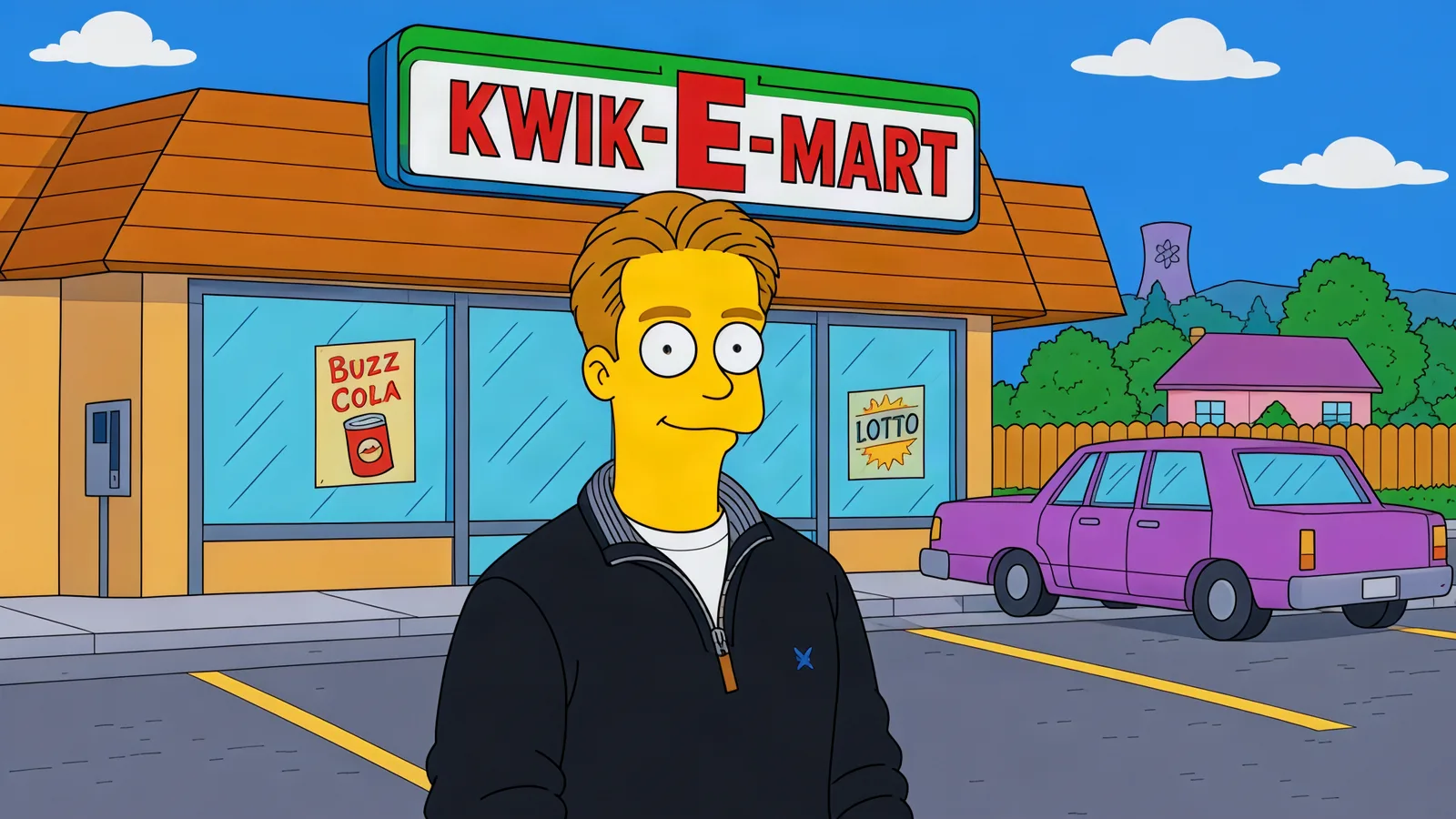
The motion version of this look writes itself: the operator turns to camera and a night-vision green wash flickers across the frame. Any of the video models on Automatica (Veo 3.1, Kling, Seedance 2.5) will take a still like this and animate it — upload the generated portrait as the first frame and describe the turn.
More templates to try
Frequently asked questions
Can I use my gamertag?
Yes — that is exactly what the Callsign field is for. It renders on the nameplate in the image.
Does it work with group photos?
One subject per generation gives the cleanest result. Crop your photo to one person, or run it once per squad member and post the lineup.
What does it cost?
Automatica is pay-for-what-you-create — no subscription, and no credits draining while you sleep. You pay for the generations you actually make.
Open the Call of Duty Operator template and upload a photo to make your own operator. Twenty days to MW4 — get your profile pic sorted before the lobby does.