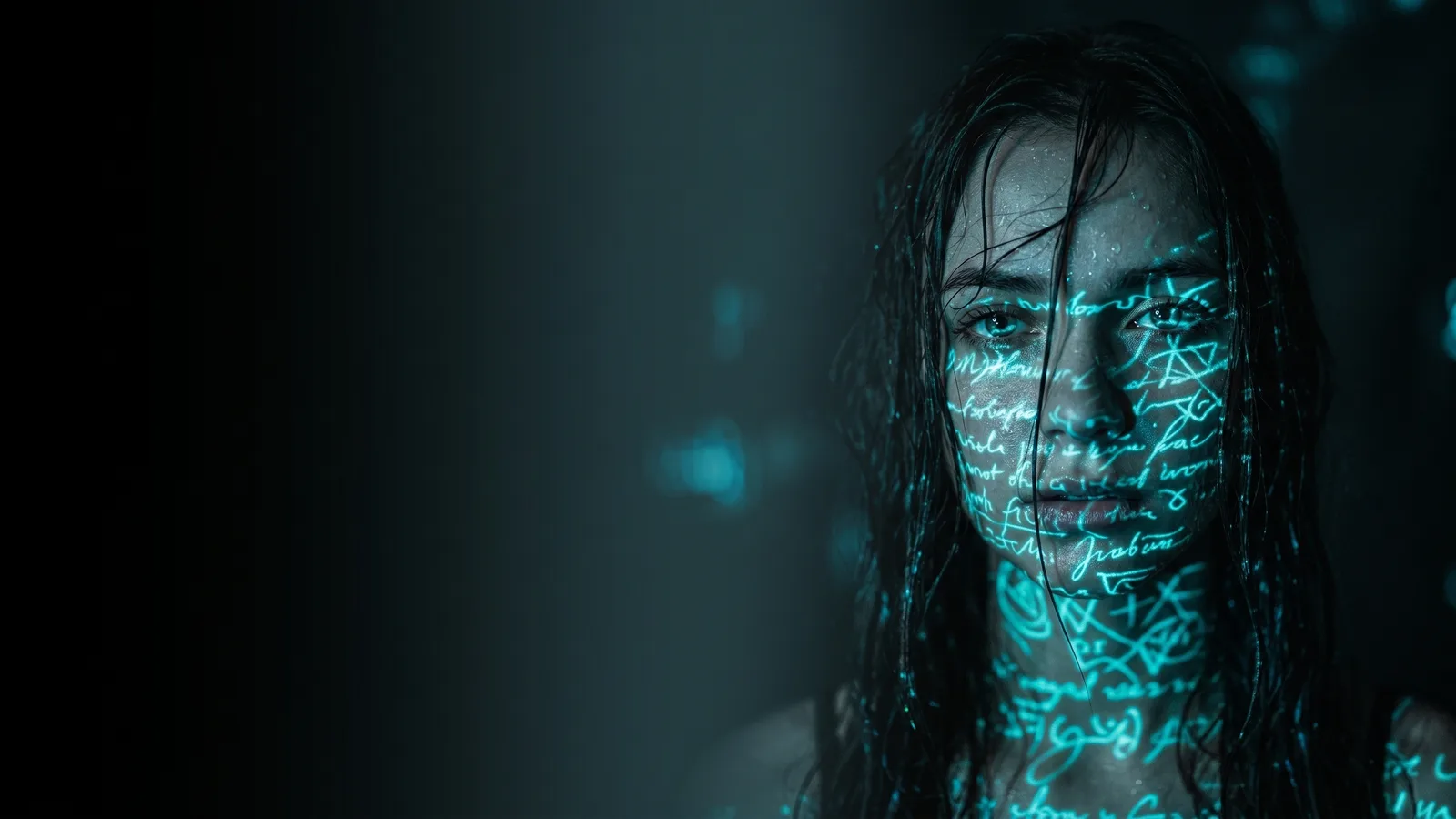
Try Grok Imagine 1.5 on Automatica
Grok Imagine Video 1.5 is now live on Automatica. xAI's image-to-video model animates a single still into a clip with native synchronised audio, lip-sync, and frame extension.
Grok Imagine Video 1.5 is now live on Automatica. xAI's image-to-video model animates a single still into a clip with native synchronised audio, lip-sync, and frame extension.
Grok Imagine Video 1.5 is now live on Automatica. xAI's image-to-video model animates a single still into a clip with native synchronised audio, lip-sync, and frame extension.
Grok Imagine Video 1.5 is now in the Automatica model picker. xAI's video model takes a single still image and turns it into a moving, sounding clip.
The distinction that matters: most video models start from a text prompt and imagine a scene. Grok Imagine 1.5 starts from your frame and continues it. Composition, lighting, and subject identity carry through instead of getting reinterpreted — which makes it the right tool when you've already composed the shot and just need it to move.
Animates your source faithfully. Product shots, portraits, concept art — the image becomes the first frame, not a loose stylistic suggestion.
Generates audio in the same pass. Ambience, effects, music, and lip-synced dialogue, matched to what's on screen. No separate post-production step.
Extends from the final frame. Clips cap at 15 seconds, but you can continue from the last frame in 6–10 second additions, with motion and lighting carrying across the join.
Resolution | 480p / 720p at 24fps |
|---|---|
Clip length | Up to 15 seconds |
Audio | Native, synchronised, with lip-sync |
Modes | Image-to-video, text-to-video |
Don't re-describe the image — the model can already see it. Write motion, not description.
Direct, don't narrate. "Slow push-in, embers drifting across frame" gives the model something to execute. "An epic battlefield scene" doesn't.
Ask for the sound you want. Audio follows prompting the same way visuals do.
Iterate at 480p, then re-run your winning prompt at 720p.
Reach for Seedance 2.5 if you need a continuous shot longer than 15 seconds or want to anchor against many references at once. Reach for Veo if you need maximum resolution for a client deliverable.
Grok Imagine 1.5 is available on all Automatica plans, billed with your existing generation credits.
Does it need an input image? Image-to-video is what it's tuned for, but text-to-video is supported. If you have a frame, use it.
How long can clips be? Up to 15 seconds per generation, extendable in 6–10 second additions.
Does it generate sound? Yes — ambience, effects, music, and lip-synced dialogue, all in the same pass as the video.
How does it compare to Seedance 2.5? Seedance goes longer and handles more references. Grok Imagine 1.5 is faster and more faithful when animating one specific frame. Different problems.

Automatica
18 posts
October 3, 2026
3 min read
October 3, 2026
3 min read
October 3, 2026
3 min read
October 2, 2026
7 min read
September 30, 2026
3 min read
September 30, 2026
4 min read
Explore powerful AI models and generate high-quality visuals in seconds. Build, experiment, and bring your ideas to life.