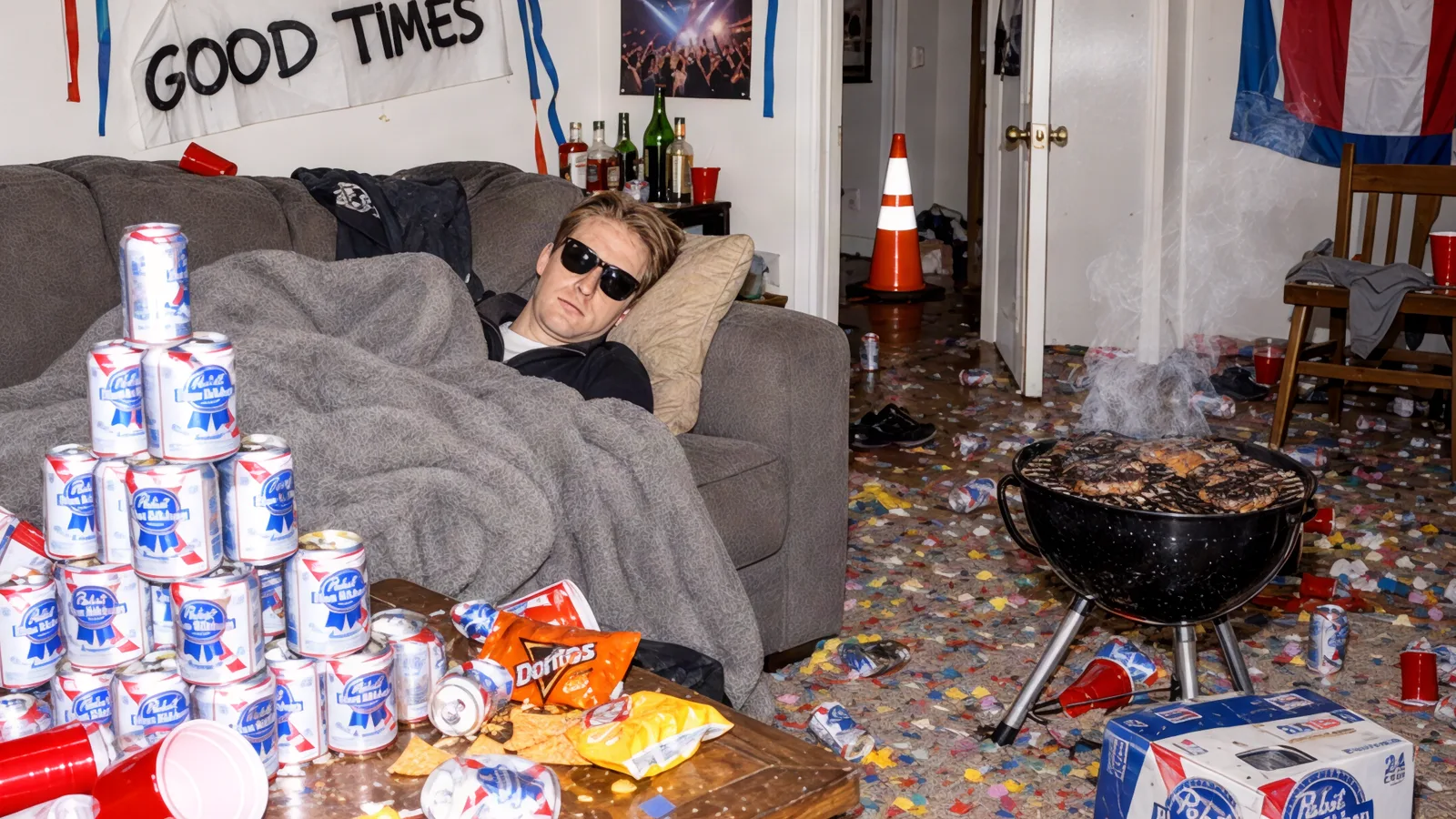
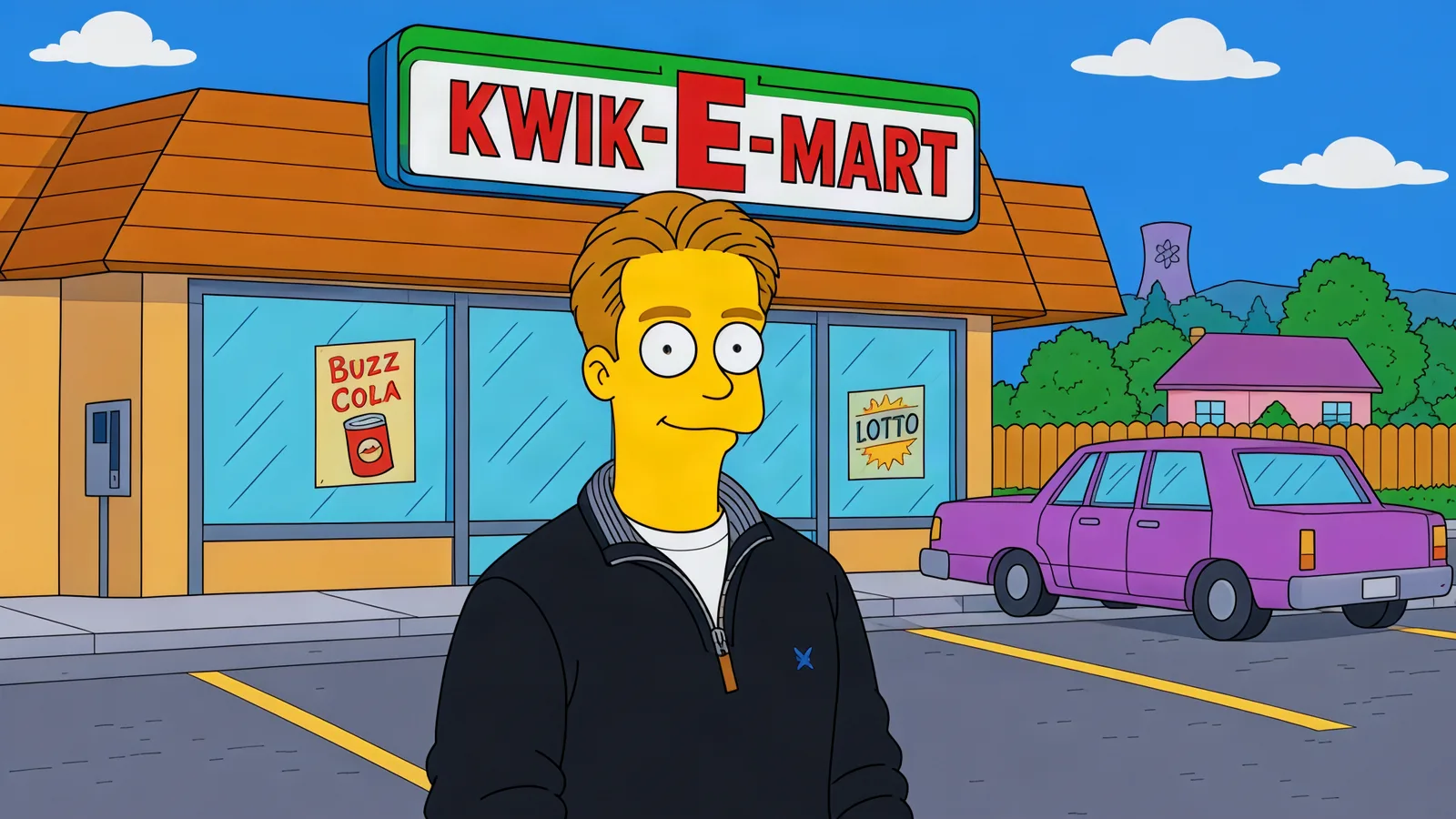
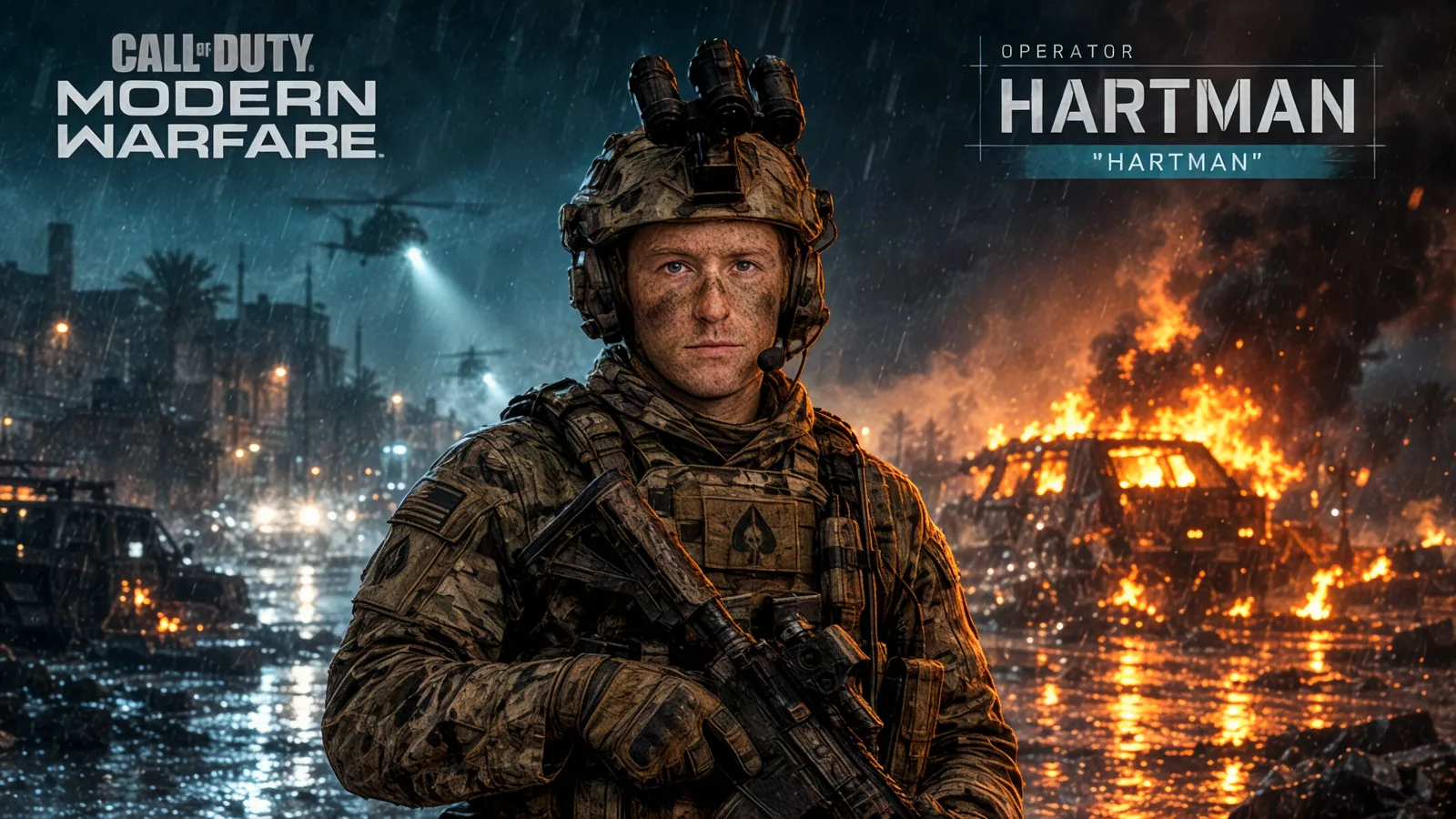
TikTok’s “Right Round Hangover” prank — staging a full Hangover-movie aftermath around a sleeping victim — is one of the fastest-resurging formats of the season, mostly staged comedy, with prompt packs now published for the photo version. But the trend has a second gear most people miss: instead of faking the aftermath of your room, you put yourself inside the movie. The Hangover Scene template on Automatica does exactly that — upload a photo of you, or the friend who fell asleep first, and you are in a scene from The Hangover.
What the template creates
A movie-still image of your photo’s subject dropped into The Hangover’s world — the 2009 Vegas buddy-movie chaos of rooftop sunrises, trashed hotel suites and very bad decisions. It keeps the person recognizable (face, outfit, expression) while the scene around them goes full wolfpack. It runs on GPT Image 2.5 (Flare edit), so the faces hold up and the edit stays clean instead of melting.
Unlike the prank version, nothing in your actual room gets destroyed. That is arguably the format’s greatest feature.
How to make yours
Open the template — link at the bottom.
Upload the photo — you, or the friend who peaked too early.
Generate — a Hangover scene with your subject in it, in seconds.
No settings to fiddle with: one photo in, one movie scene out.
Choose a photo that gives the best result
The funniest versions start with a photo that has a story: mid-party outfit, a red cup, sunglasses indoors, the face of someone who thinks the night is young. Clear face, one subject, and the movie does the rest — the template maps your person into the scene, so an expressive photo beats a stiff one every time.
Template settings at a glance
Write your own variation
The template handles the default scene. If you want a specific Hangover moment, generate it yourself with any image model on Automatica:
Put the person in the photo into a scene from The Hangover (2009):
[SCENE, e.g. the ruined suite at Caesar's Palace the morning
after / the rooftop at sunrise with three friends and a guitar /
the chapel courtyard at 6am in yesterday's suit]. Keep their face,
outfit and expression recognizable, 2000s Vegas color grade,
slightly grainy movie still, wide 16:9 framing.
Turn it into a video
The motion version of the prank is the one that goes viral: the friend sleeps, the room slowly spins, and Right Round kicks in. Animate the generated still with any video model on Automatica — upload it as the first frame and ask for a slow pan with the scene coming alive around the sleeper.
More templates to try
Frequently asked questions
Is this just for the TikTok prank?
The trend is where the demand is, but the template is broader — group-trip announcements, birthday invitations, bachelor-party invites, or just being in your favorite movie for a day.
Do I need a trashed room?
No. That is the point. The scene is generated; your room, roommate and security deposit all stay intact.
What does it cost?
Automatica is pay-for-what-you-create — no subscription, no watermark games. You pay for the generations you actually make.
Open the Hangover Scene template and upload a photo — preferably of the friend who fell asleep first.