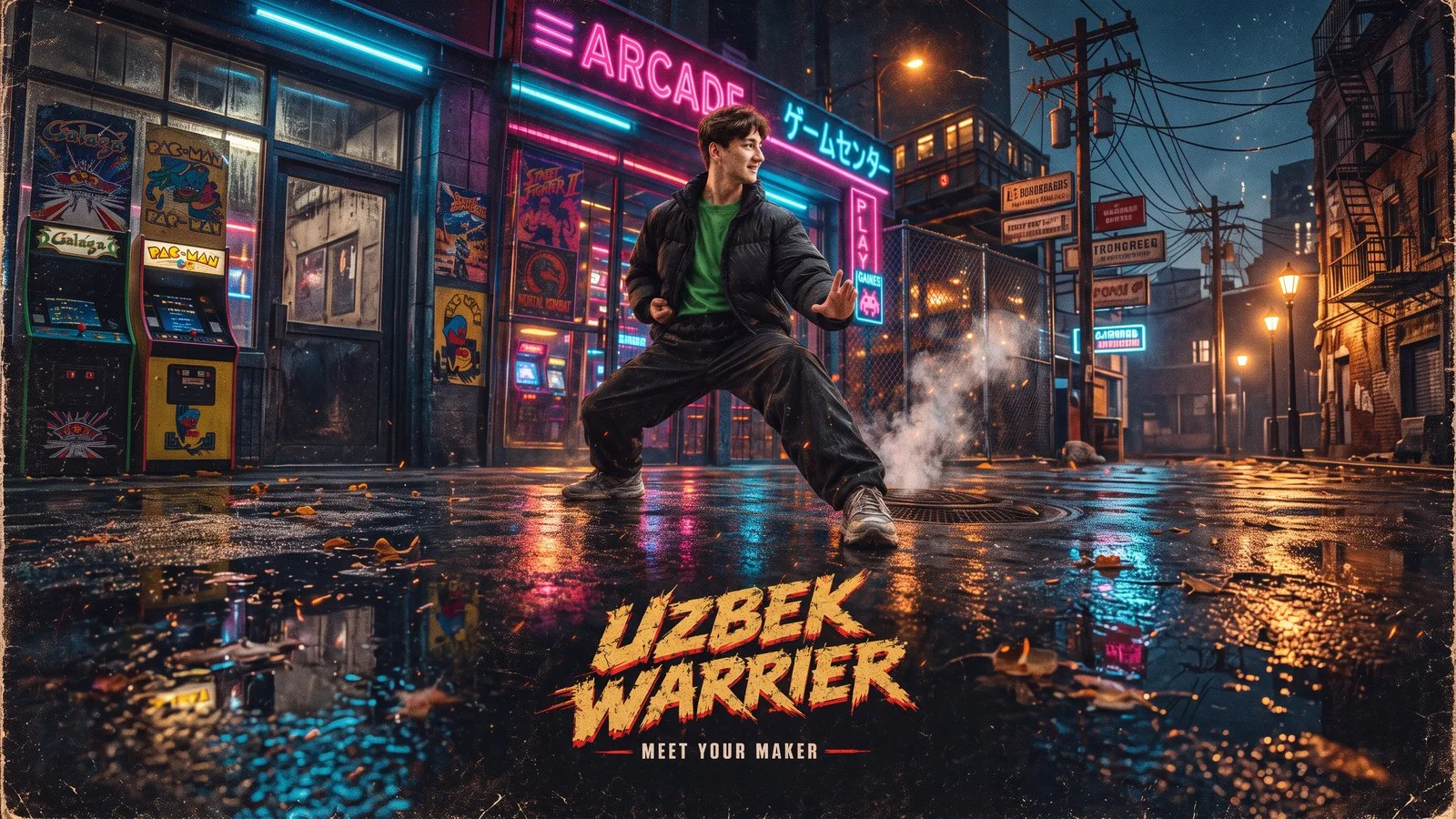
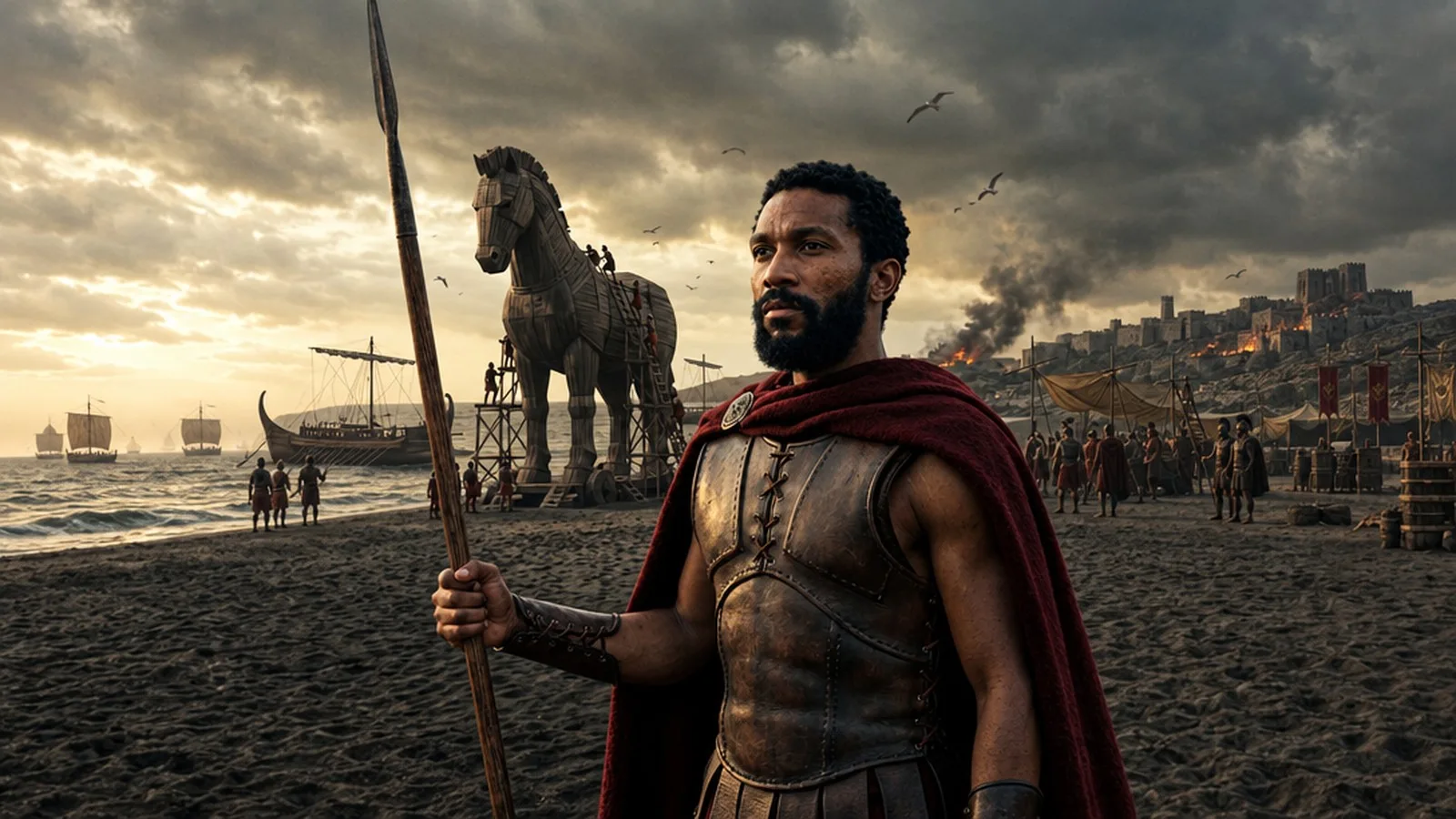
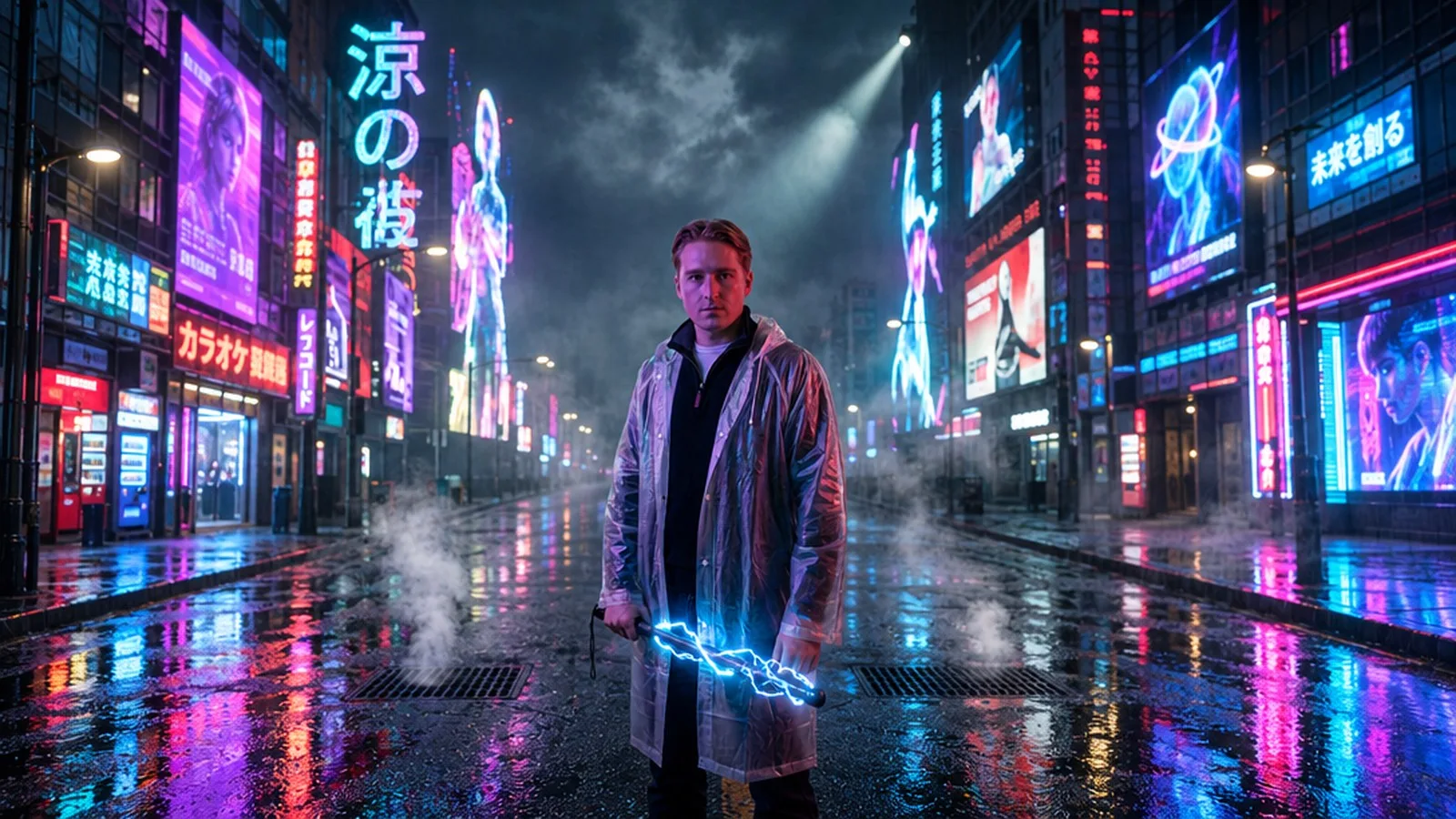
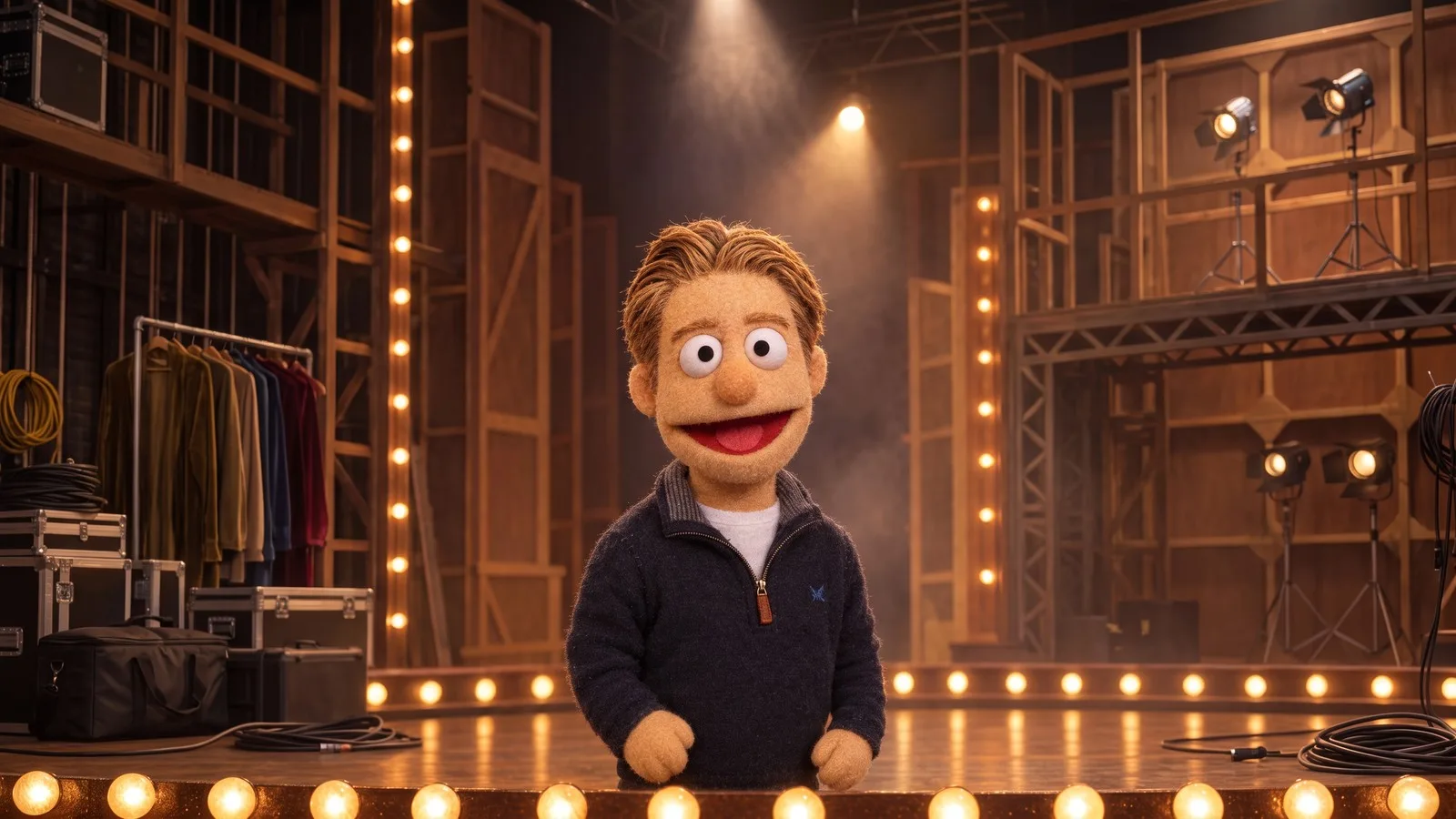
The live-action Street Fighter movie is in theaters right now — 1993 setting, tournament key art, neon arcade rain. The natural fan move is putting yourself in that poster, and the Street Fighter Movie Poster template does exactly that: one photo becomes gritty tournament key art with your name on the lettering.
What the template creates
A 1993-style martial-arts tournament movie poster: you on rain-slick pavement outside a neon-lit arcade at night, in your chosen stance and fight outfit, with distressed arcade lettering reading a title of your choice and a tagline underneath. Chalk dust and embers in the air, teal-and-amber 90s action-movie grade, film grain — and space left at the bottom of the composition, poster-style.
How to make yours
Upload one clear photo — face visible, the sharper the better for poster key art.
Set your four variables: stance (default: wide karate stance, fists raised), outfit (default: sleeveless gi top, hand wraps, worn jeans), the poster’s lettering name (default: “STREET KINGS”) and the tagline (“THE TOURNAMENT BEGINS”).
Run it. You get a tall 9:16 poster at high quality.
The best photo to pick
Neutral or serious expressions read best on key art — posters don’t smile much. Any pose works since the template re-poses you into the stance, but a sharp, well-lit face is what makes the poster feel official.
Settings at a glance
Model: GPT Image 2.5 (edit)
Input: 1 photo, 4 variables
Cost: 7 credits
Output: 9:16 poster, high quality
Write your own variation
The template’s working prompt, ready to remix — swap the scene, keep the poster discipline:
Turn the person in the reference photo into the lead of a gritty 1993
martial-arts tournament movie poster. Keep the exact same person: same
face, skin tone and expression. The subject stands in a wide karate
stance, fists raised, on rain-slick pavement in front of a 1990s arcade
entrance at night: pink and cyan neon signs, chain-link fence, steam
from a subway grate. Wearing a sleeveless gi top, hand wraps, worn
jeans. Chalk dust and embers in the air, dramatic low-angle full-body
composition, gritty 35mm film grain, teal-and-amber 90s action-movie
grade, empty space at the bottom of the poster. Printed distressed
arcade-style lettering at the bottom reads "STREET KINGS" with the
tagline "THE TOURNAMENT BEGINS".
Turn it into a video
Feed the finished poster into an image-to-video model (Seedance 2.5 or Gemini Omni 1.1 both take reference images) with a prompt like “slow push-in on the fighter, neon sign behind flickering on, embers rising” — five seconds of that over a fight-game soundtrack and you have a trailer stinger.
More templates to try
FAQ
How much does it cost?
7 credits per run. Poster lettering is text rendering, which GPT Image 2.5 is good at — but check the spelling in your name and tagline on the first result; rerun if a letter drifts.
Can I put two fighters on one poster?
Run it twice with both names in the lettering, or wait for the versus-screen format — one photo per fighter is what keeps the likeness sharp today.
Is this officially Street Fighter?
No — it’s tournament-poster key art in the 1993 arcade tradition. The default lettering is deliberately generic; make yours official-adjacent at your own discretion.